Company news
RewardSensei is now available for Safari on Mac
You can now sync supported bank offers from Safari on Mac. Free keeps offers organized; Pro adds eligible activation and supported benefit imports.
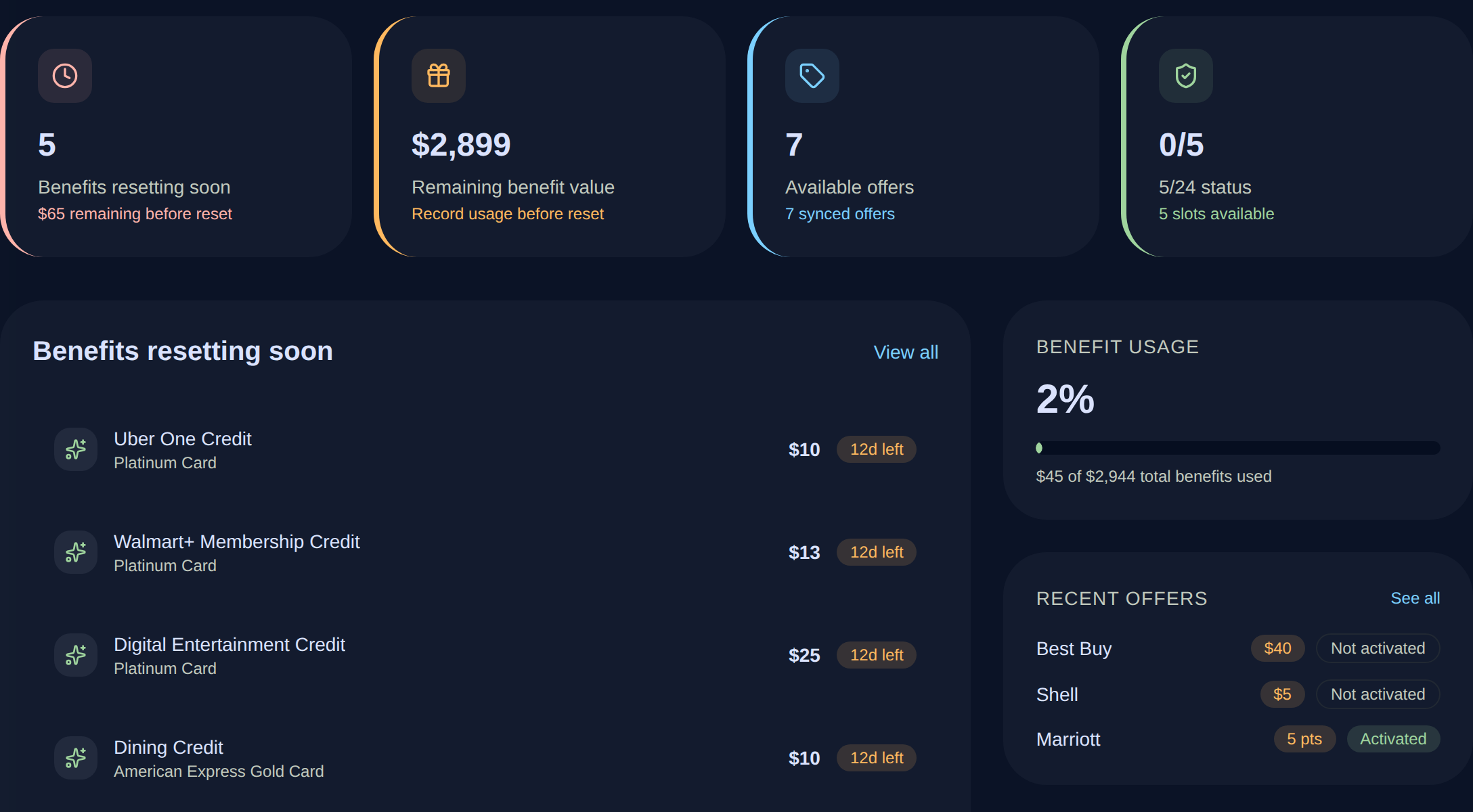
If Safari is where you sign in to your banks, you can now keep that routine. RewardSensei for Safari is available on the Mac App Store, so supported offers and card data can join your RewardSensei wallet from the browser you already use.
The download is free and requires macOS 13.3 or later. This release is for Mac. The iPhone app is still awaiting store approval.
Set up Safari in a few steps
Install RewardSensei for Safari from the Mac App Store and open the app. In Safari Settings → Extensions, enable RewardSensei and allow access to supported bank websites. Open the RewardSensei toolbar button to sign in, then visit a supported bank website and sign in there.
- Supported bank websites: American Express, Chase, Citi, Bank of America, and Capital One.
- Support varies by issuer and data type. Capital One shopping offers are not imported; supported card and loyalty data can still sync.
Sync offers for free; choose activation with Pro
Supported offer sync and manual benefit tracking stay free.
Pro adds issuer-reported benefit imports for supported cards and individual or eligible bulk offer activation while your bank session is active. You can also opt into automatic activation for eligible offers on American Express, Chase, Citi, and Bank of America. It is off by default; coverage varies by issuer, account, and offer.
Your bank sign-in stays on the bank website
RewardSensei uses your active bank-site session. It does not ask for or store your bank username or password. You can review synced data later in the web app or Android app.
Keep using Safari for banking
Install the Mac extension, then sign in to your free RewardSensei account.